Build Ultimate Customized Widgets
Design your own iPhone® widgets without writing a line of code. Connect data using Shortcuts, customize themes, and personalize your Home Screen or Today View.
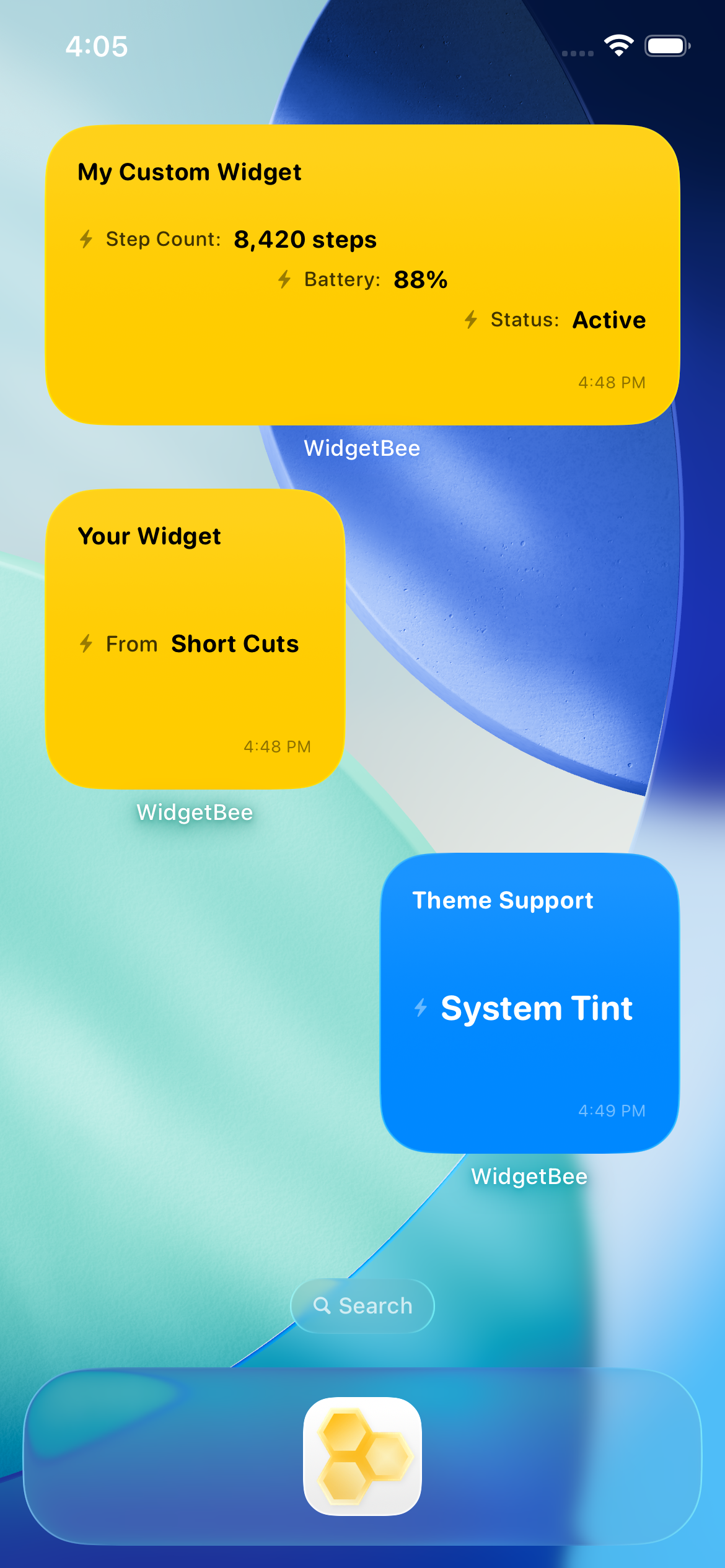
Editor Features
Flexible Data Sources
Use Apple Shortcuts to send values directly into your widgets, allowing custom data setups without needing developer tools.
Multi-Data Layout
Display up to three distinct rows of information in a single widget, with full control over text alignment (left, center, or right).
Styling & Themes
Switch between Light, Dark, Honeycomb brand themes, or match your app tint color to fit your screen aesthetics.
Small & Medium Sizes
Create small and medium widgets ready to place on your Home Screen or Today View screen.
Prefix, Suffix & Fallbacks
Add custom text before or after your raw values, and assign custom default text whenever values are missing.
Topics & Timestamps
Set a custom topic title for each widget and toggle the last updated timestamp on or off whenever needed.
Apple® and iPhone® are registered trademarks of Apple Inc.